Home LAN and WiFi
The Ubiquiti UniFi network the house runs on: wired ports throughout, six access points covering the whole property, sized for a hundred-plus WiFi devices rather than for consumer kit.
I only use Ubiquiti products, the Unifi line, it is imo, the most value for money you can get, and with a nice feature rich GUI. I have hard wired LAN ports throughout the house and as many access points I need to not only get good coverage, but high speed, everywhere on my property. I’ve been using my current setup for the past 4-5 years. Planning to upgrade the switches with the new gen 2 versions. The new switches will have POE ports so I can remove all POE adaptors currently used for AP’s and cameras. Of the six access points, the four “dish” types cover the whole property and the two In-wall types are for better spot coverage and for there extra LAN ports.
All IT in the house draws its power from a UPS backup, good for 4-8 hours of runtime.
I am slowly but surely replacing all my IOT stuff to Shelly WiFi devices. I have a lot of 433 Mhz Nexas, zwave, zigbee and home made ESP8266 devices and some 40+ Shellys. It will probably be 100-150 Shelly WiFi devices when everything is replaced, for that, you do Not want “consumer WiFi”.
You can read more about my Home Automation hear.
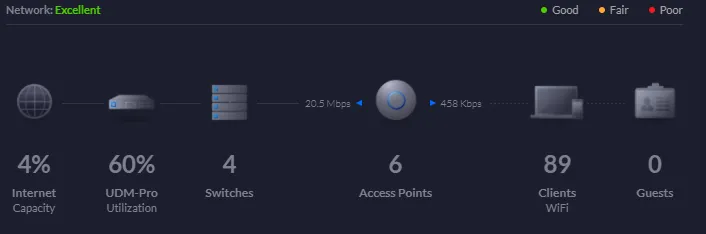
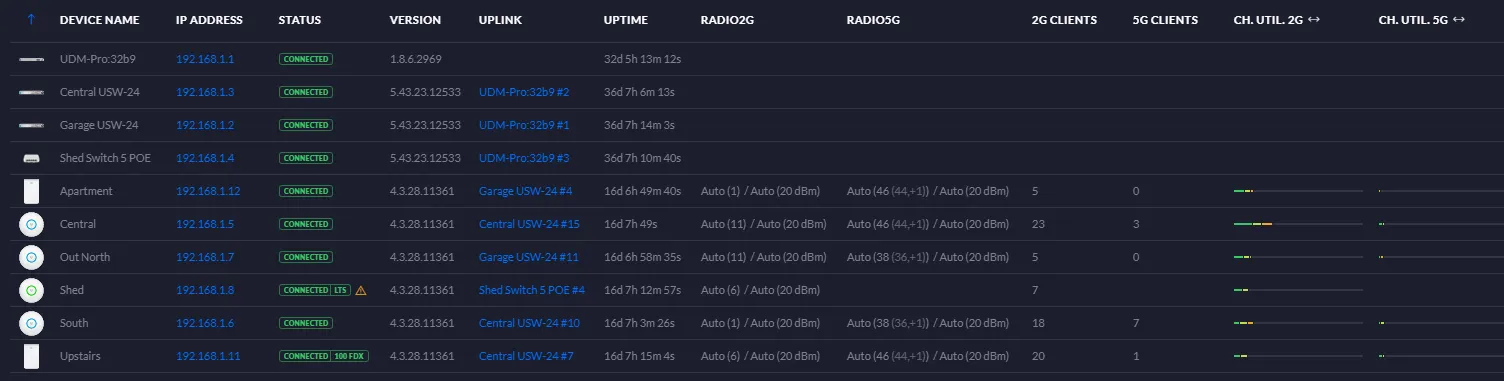
My current setup.
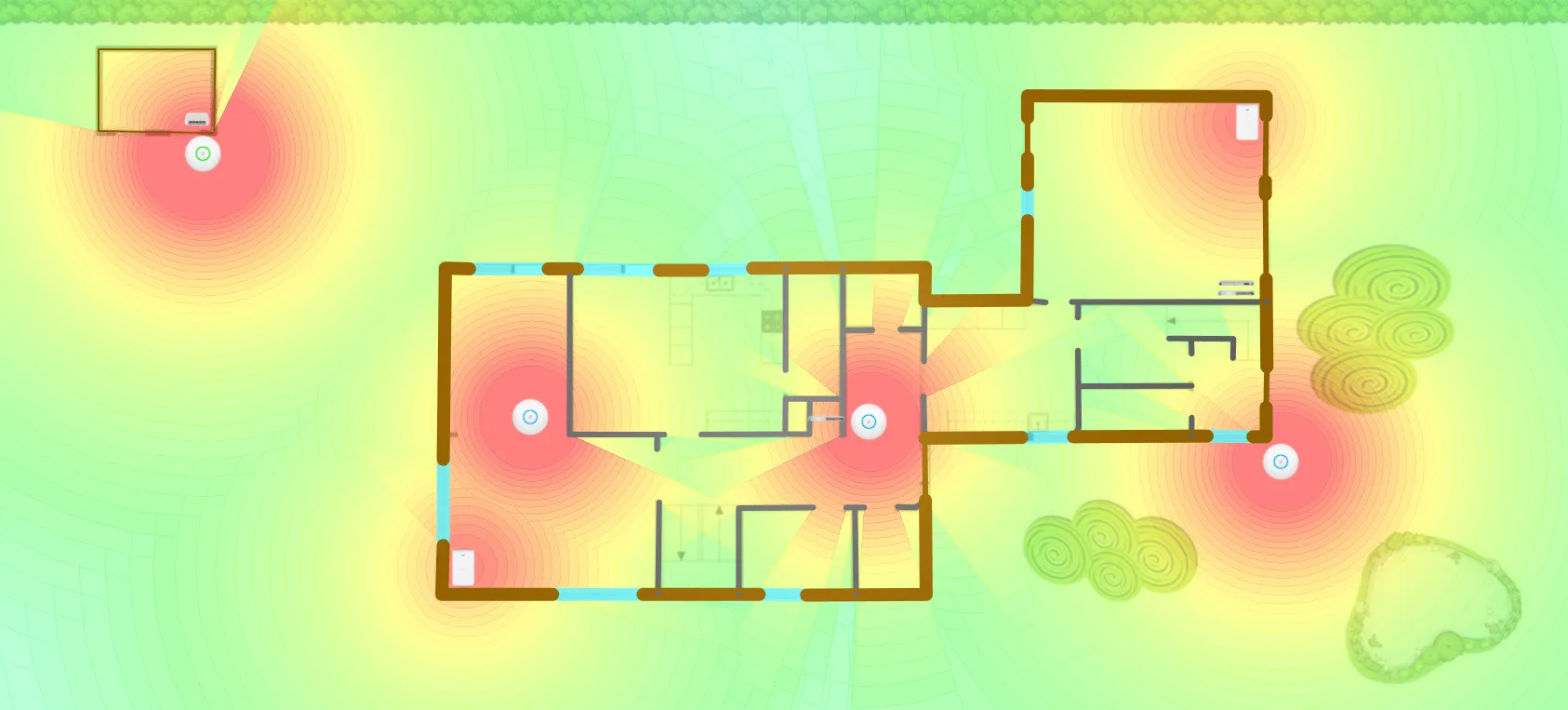
Coverage @-70 dbm. It’s a 320 m2 two-story house on a 1400 m2 property.
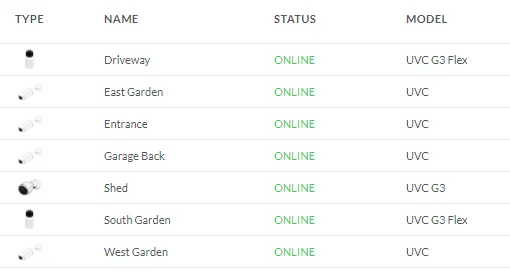
I also use Ubiquiti Protect camera system